Solar Panel System for a Home Office: Sizing & Payback
A solar panel system for a home office can pay back faster because you use power while the sun shines. See sizing, payback math and when a battery helps.
Dan Katzman
Teamsun
Yes, a solar panel system usually makes sense for a home office, because you use power while the panels make it. Working at home raises your total use and moves more of it into daylight hours. That changes how the system is sized, how much battery you need, and how fast it pays back. If you work from home in Connecticut, Massachusetts or Rhode Island, this is how to run the numbers.
We are Teamsun, a local installer serving CT, MA and RI with W-2 crews, not subcontractors. Our average from contract to a live system is 47 days, and we have powered 9,000+ homes across New England. Below is the sizing and payback logic we walk remote workers through.

Why does a home office change how a solar panel system is sized?
Yes, a home office changes solar sizing because it raises your total electricity use and shifts more of it into daylight hours. You size the system to your annual kilowatt-hours, so extra computer, lighting, and heating or cooling load pushes the system larger. More daytime use also means more solar power gets used directly.
A household that is empty from 8 to 5 sends most of its midday output back to the grid. A household with someone at a desk burns a good share of that output on the spot. Monitors, a laptop dock, a space heater or heat pump, a printer and a router all run through the sun's peak hours.
The U.S. Department of Energy frames the savings test simply: subtract upfront incentives from the system cost, then multiply your average monthly utility cost by twelve to see what you save in a year. A home office makes that monthly bill bigger, so the same math produces a larger savings figure.
Net metering softens the difference
In our quotes, power your panels send back to Eversource or UI is credited with a full retail 1:1 offset. That matters. When exports earn the same value as the power you would have bought, using solar power on site and exporting it are worth about the same on your bill.
So the home office does not win by "self-consuming" more. It wins because it needs a bigger system to cover a bigger bill, and because it relies less on credits and any battery. Program rules differ by state and utility, so we confirm which one applies to your address. For the mechanics, see how solar net metering works with your utility.
How to size a solar panel system for a work-from-home household
Size a home-office solar system in four steps: total twelve months of utility bills, add the extra load you expect from working at home, choose what share of that usage to offset, then have an installer check your roof's space, tilt, and shade. The result is a system size in kilowatts.
The University of Maryland Extension sizing guide uses the same order: start from annual energy demand, then decide what percentage you want solar to cover. Here is how that plays out for a remote worker.
- Gather twelve months of bills. Use kilowatt-hours, not dollars. Winter and summer peaks matter, so a full year beats any single month.
- Adjust for the office. If you started working from home recently, last year's bills understate your use. Add the load for equipment, lighting, and the heating or cooling that now runs all day. If you moved from an office to home a year or more ago, your bills already show it.
- Add planned changes. A heat pump, an EV or a home addition raises use too. We cover that in our guide on planning solar around a home addition.
- Pick your offset target. Most people aim near 100% of annual use. A smaller target costs less and leaves room to add later.
- Check the roof. South and west faces produce the most. Shade, roof age and available area cap the system size, whatever your bills say.
The best sizing result comes from a site visit. Ours is free, takes about 7 to 10 days to schedule and complete in our average timeline, and it ends with a design based on your actual roof and bills.
Home office vs empty-house household: how does payback compare?
Payback is similar for both households when exported power earns full retail credit. The home office gets a modest edge because more solar output is used on site instead of exported. Under 1:1 credit, that edge is small; the bigger payback driver is how much of your annual bill the system offsets.
Our typical residential system costs $25,000 to $40,000 before incentives. Homeowners we serve report average savings of 40 to 60%, and most see 30 to 50% lower effective costs over the first five years. Those are ranges across our installs, not a promise for any one roof.
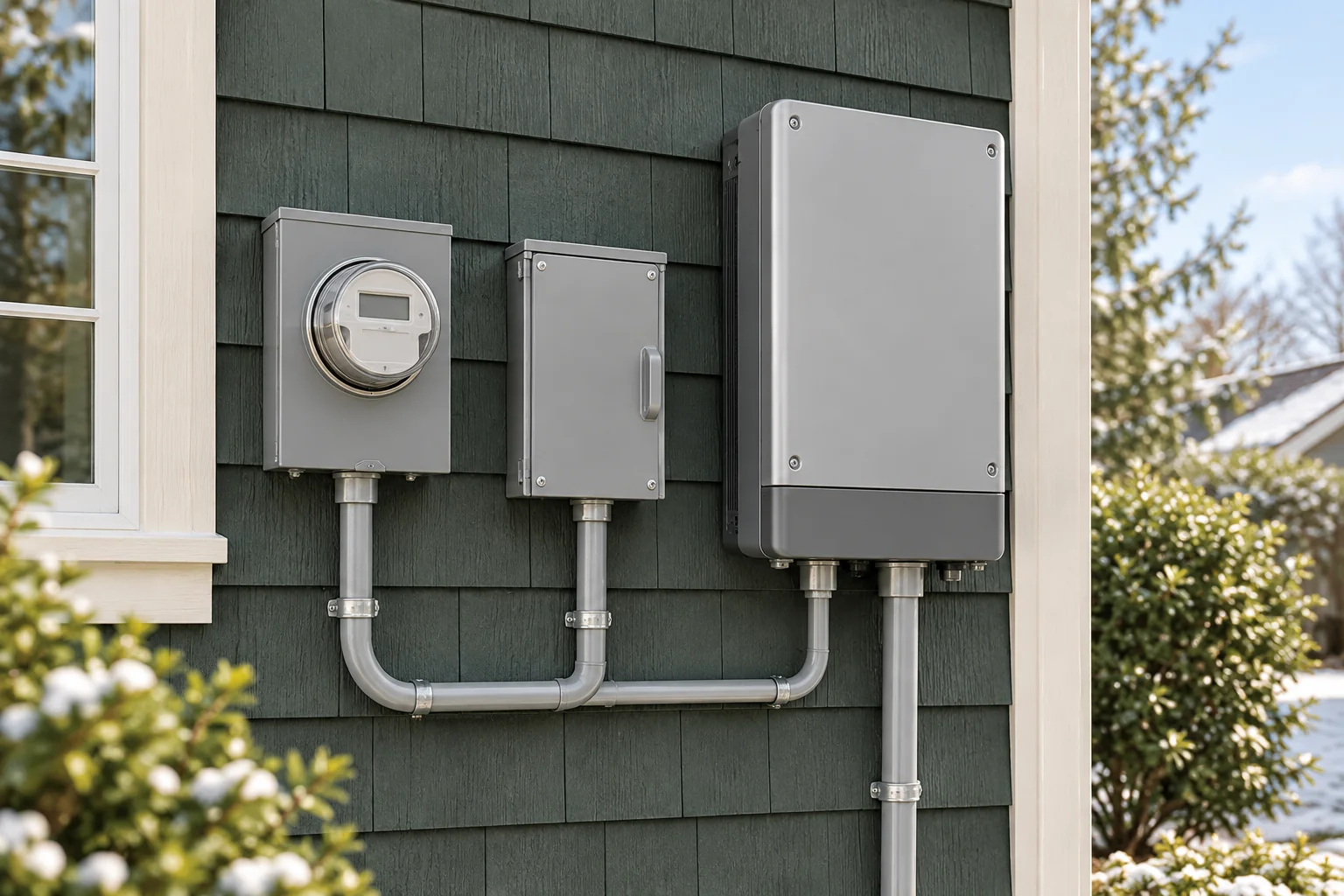
Side-by-side comparison
| Factor | Home office household | Empty-house household |
|---|---|---|
| Annual electricity use | Higher, with added daytime load | Lower, with use weighted to evenings |
| Typical system size | Often larger to cover the bigger bill | Sized to evening and weekend use |
| Share of solar output used on site | Higher | Lower, more is exported |
| Reliance on export credits | Lower | Higher |
| Value of a battery for bill savings | Smaller, daytime load absorbs output | Larger if exports are credited below retail |
| Value of a battery for outage backup | High if work depends on power | Depends on household needs |
A hypothetical worked example
These numbers are hypothetical, for illustration only. Say two similar homes would use 9,000 kWh a year with nobody home by day. In one, a remote worker adds heating, cooling, lights and equipment during the day, bringing use to 10,500 kWh.
A system built for 100% offset would be about 17% larger for the home office. It costs more upfront, and it also saves more each year, because it replaces more purchased power. With 1:1 credit, both homes are paid back on roughly the same terms. Your own bills will tell you the real figures.
One incentive point: the federal residential credit for homeowner-owned systems ended for expenditures after December 31, 2025, so do not count on it in a 2026 payback calculation. Ask us how our installation cost breakdown and any state programs apply to you, and confirm tax questions with your tax adviser.
When does battery storage help a home office?
A battery helps a home office when you still export a lot of midday power, have heavy evening use, pay time-of-use rates, or cannot afford to lose power during work hours. If your daytime load already absorbs most of your solar output, a battery adds less.
The Rhode Island Office of Energy Resources notes in its residential solar guide that most solar systems in Rhode Island have no battery, that batteries often add thousands of dollars, and that net metering means owners do not need one to balance their load. For bill savings alone, that is a fair starting point.
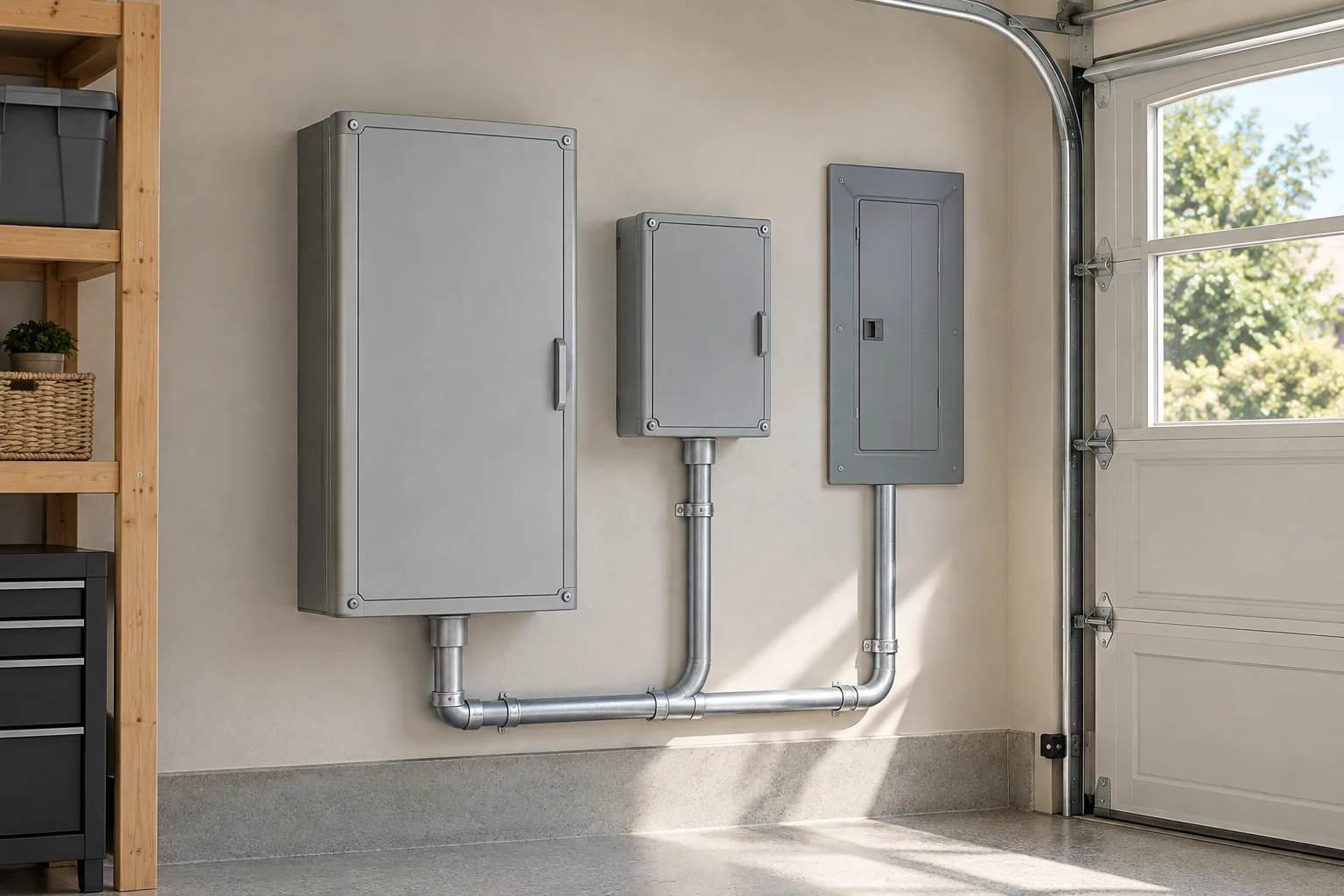
Three cases where a battery earns its place
- Your work stops without power. If an outage means missed client calls or lost billable hours, backup power is a business expense, not a luxury. A battery on a dedicated circuit can keep the laptop, router and lights running.
- You still export heavily at midday. A small office load on a large array leaves plenty of surplus. If your utility credits exports below retail, storing that surplus for the evening pays.
- Your evenings are heavy. Cooking, laundry, EV charging and heat pump use after 5 p.m. fall outside solar hours.
Battery options and incentives
We install FranklinWH, Tesla Powerwall and Enphase IQ batteries, with a 10-year standard warranty. Connecticut's ESS battery rebate starts at $5,000 in our quoting, and depending on location it can cover up to 100% of the battery cost. The program's structure has been updated in 2026, so we confirm the amount that applies to your address before you commit.
You do not have to decide on day one. We retrofit batteries onto solar systems of any brand and any age, with a free site visit and a typical timeline of 3 to 6 weeks. Our guide to how a solar battery retrofit works covers the steps.
What a home-office solar project looks like in CT, MA and RI
Our average is 47 days from contract to a working system. About 7 to 10 days go to the site visit, 20 to 30 days to permitting, one day to install on most homes, and 5 to 15 days to utility approval. Work-from-home customers feel the wait most, so we plan around it.
A few local points matter for a home-office buyer:
- Licensing. The Connecticut Department of Consumer Protection buyer's guide says an E-1 Unlimited Electrical Contractor must connect your system, and that you can verify licenses through the state. Check before you sign.
- Who is on your roof. Our installs are done by W-2 employees, not subcontractors, so one team is accountable from design to service.
- Where we work. We serve Connecticut, Massachusetts and Rhode Island, with 5,400+ installs in CT, 2,900+ in MA and 700+ in RI. We are also licensed in ME, NH, VT and FL.
- Financing. Options include cash, loan, PPA and prepaid lease. Our PPA is $0 down with a fixed monthly rate typically below your current utility bill from day one, underwritten at a 620 FICO. See how solar PPA financing works if you want to compare.
Our customers rate us 5 stars on Google, and 95% report satisfaction in third-party post-install surveys.
Next step: get a sizing check for your home office
Bring twelve months of bills and a note on how your workday uses power. We will tell you the system size, whether a battery pays for your situation, and what the contract-to-live timeline looks like for your town.
Request a free quote and we will size your system around your daytime load. If you want to talk it through first, talk to a designer, call 203-903-4091, or explore our services to see what else we install, from battery retrofits to EV chargers.
Recommended Resources
Written by
Dan Katzman
Teamsun
Teamsun writes practical solar guidance to help property owners compare equipment, project scope, costs, and long-term service before making a decision.
Keep going.
Does Solar Make Sense for Homes With Oil Heat?
Solar panels for homes with oil heat still cut electric bills in CT, MA and RI. See which loads panels offset, where savings stop, and when a battery helps.
Dan Katzman
Teamsun
Do Solar Panels Make Sense for Rental Properties?
Solar panels for rental property owners: how tenant savings, added property value, and financing stack up for landlords in CT, MA, and RI.
Dan Katzman
Teamsun
Solar Panel System Size for an EV Charger: Do You Need More?
Adding a Level-2 EV charger raises home electricity use. See how to estimate charging load and resize your solar panel system size before you buy.
Dan Katzman
Teamsun