How to Combine Solar Panels With Battery Backup (2026)
Learn how solar panel installation with home battery backup works, from wiring to outage performance to sizing a battery for true energy independence.
Dan Katzman
Teamsun
A grid-tied solar array without a battery goes dark the moment the power lines go down, even at high noon with the sun blasting the roof. Solar panel installation with home battery backup solves that by pairing your panels with a storage unit that keeps critical circuits running, then recharges itself once the sun is back up. The right setup depends on how much power you use daily and how many hours of backup you actually want.
Key Takeaways
- Panels alone don't survive an outage: Anti-islanding safety rules force grid-tied solar to shut off during a blackout unless a battery and transfer equipment are installed.
- Battery capacity is measured in kWh, not panel watts: A Tesla Powerwall 3 stores 13.5 kWh; a FranklinWH aPower 2 stores 15 kWh, and either can stack for larger homes.
- Sizing depends on daily usage, not panel count: A household using 30 kWh a day needs roughly two stacked battery units for a full 24-hour whole-home backup.
- Switchover during an outage is automatic: A transfer switch moves your home off the grid in under a second, with no manual intervention.
- Retrofits work on any brand: A battery can usually be added to an existing solar system regardless of who installed the original panels.
At a Glance: Solar Battery Backup Basics
| Factor | Typical Range |
|---|---|
| Battery capacity per unit | 10 - 15 kWh |
| Average home daily usage (CT/MA/RI) | 25 - 35 kWh |
| Backup duration, whole-home, 1 unit | 6 - 12 hours (partial loads) |
| Backup duration, whole-home, 2 units | 18 - 24+ hours |
| Automatic transfer switch time | Under 1 second |
| Common brands offered by installers | Tesla Powerwall, FranklinWH, Enphase IQ |
| Typical install timeline, contract to power-on | ~47 days (Teamsun average) |
| Retrofit onto existing solar (any brand) | Usually possible after inverter check |
1. Understand Why Panels Alone Don't Keep the Lights On
Grid-tied solar panels shut off automatically during a blackout because of a federal safety requirement called anti-islanding. Without it, your panels could keep feeding electricity into lines that utility crews think are dead, putting linemen at risk. A battery with the right transfer hardware is the only way around that rule.

This is the gap most new solar buyers don't expect. They assume rooftop panels mean automatic backup power, and they find out otherwise the first time a storm knocks out the neighborhood. A battery changes that outcome directly: it isolates your home from the grid and keeps drawing power from stored energy or live panel output.
For homes that already run a standby generator, it's worth understanding how the two technologies interact rather than compete. Teamsun covers that pairing in detail in this guide to solar and home backup generators.
2. How Installers Wire Panels to a Battery
There are two wiring approaches: DC-coupled and AC-coupled. DC-coupled systems route power from the panels straight into the battery before it's converted to usable AC power, which is slightly more efficient. AC-coupled systems convert power to AC first, then back to DC for storage, which costs a small amount of efficiency but makes retrofits onto older systems simpler.
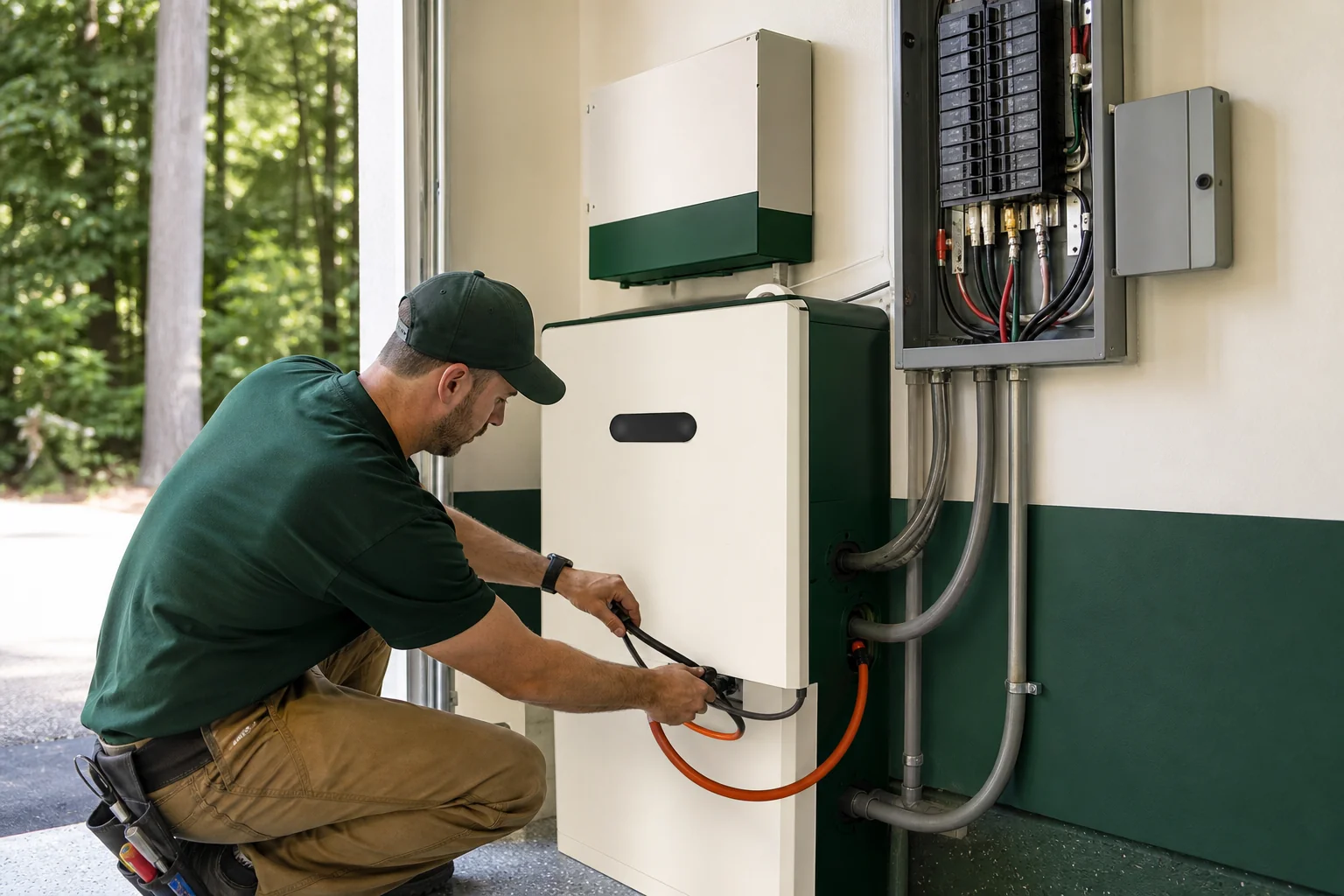
Most installers also wire in a subpanel, often called a critical loads panel, that isolates the circuits you actually want backed up during an outage, like refrigeration, well pumps, and a few outlets. Whole-home backup skips that subpanel and routes the entire electrical panel through the battery instead, which requires more battery capacity to sustain.
- Critical loads panel: Cheaper, smaller battery needs, covers essentials only.
- Whole-home backup: Higher upfront cost, covers HVAC, EV charging, everything.
- Inverter choice: Some batteries include a built-in inverter; others rely on your existing solar inverter.
3. What Actually Happens During a Grid Outage?
When utility power drops, an automatic transfer switch disconnects your home from the grid in under a second and switches it to battery power, with no manual action needed. If it's daytime, your panels keep charging the battery simultaneously, extending runtime well past the battery's rated capacity alone.
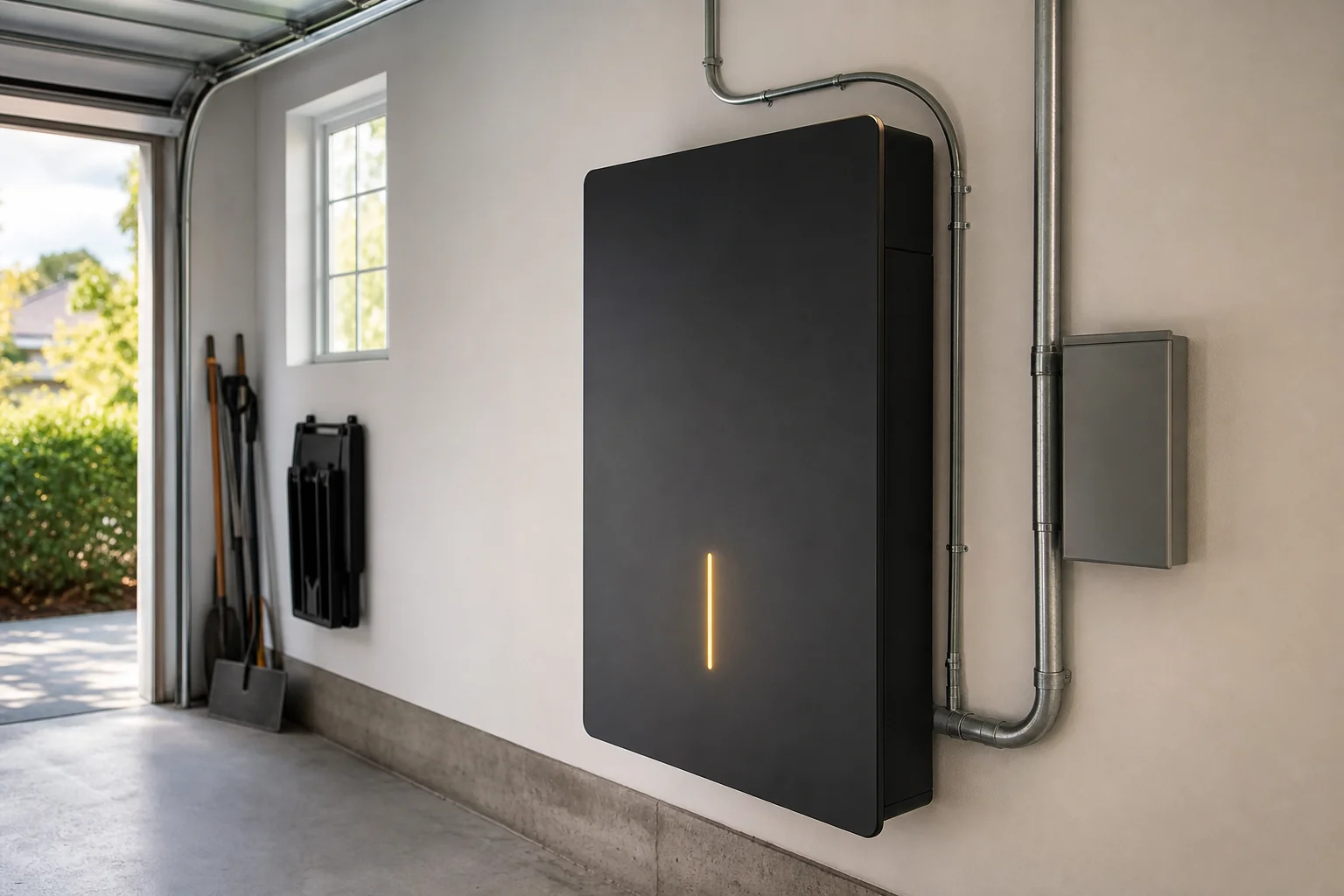
Overnight outages draw down the battery with no solar input to refill it, which is why sizing matters so much. A single battery running a whole house through a summer night with air conditioning can drain in a few hours. Stack a second unit, or limit backup to critical circuits, and that runtime stretches considerably.
Homeowners who already installed solar without a battery aren't stuck. A retrofit is common, and Teamsun's guide on how a solar battery retrofit works walks through what an inverter compatibility check looks like before installation day.
4. How to Size a Battery to Your Panel Output
Battery sizing starts with your average daily electricity use, not your panel count or system wattage. A home using 30 kWh a day needs roughly two 13-15 kWh battery units to cover a full 24 hours without grid power, assuming no solar recharge during that window.
Panel output matters too, but in a different way. If your array produces 35 kWh on a sunny day and your battery only holds 13.5 kWh, the battery fills fast and the rest of your daytime production either exports to the grid (if net metering is active) or gets curtailed. Undersized batteries waste production; oversized ones sit half-empty most days.
- Pull 12 months of usage data from your utility bill or your monitoring app.
- Identify your average daily kWh use, and your peak days (heat waves, holidays).
- Decide if you want critical-loads-only backup or whole-home backup.
- Match battery capacity to that target, stacking units if needed.
If you're not sure how to pull that usage data, Teamsun's breakdown on reading your solar monitoring app data shows exactly which numbers to track.
5. Choosing a Battery Brand for Your System
Not every battery brand handles stacking, whole-home coverage, or extreme cold the same way. Connecticut, Massachusetts, and Rhode Island winters put real strain on outdoor-rated equipment, so brand and installation location both matter.
| Battery | Capacity per Unit | Stackable | Best For |
|---|---|---|---|
| Tesla Powerwall 3 | 13.5 kWh | Yes, up to 4 units | Whole-home backup, EV charging support |
| FranklinWH aPower 2 | 15 kWh | Yes, up to 5 units | Larger homes, flexible expansion |
| Enphase IQ Battery | ~5 kWh per module | Yes, modular | Homes with Enphase microinverters already installed |
For a full side-by-side on the two most requested brands, see Tesla Powerwall vs FranklinWH. The right pick usually comes down to your existing inverter brand, how much backup you want, and whether your roof or garage has room for stacked units.
6. Retrofitting a Battery Onto an Existing Solar System
Homeowners who installed panels years ago, sometimes through a company that no longer answers the phone, can still add a battery. The main variable is inverter compatibility. Some older inverters need a hybrid inverter swap or an additional gateway device before a battery can connect.
Teamsun services battery retrofits on systems installed by any company, not just its own installs. That matters for homeowners who bought through a national installer and later found no local support for upgrades. If your original installer is unreachable, this guide on finding a repair company for any brand covers what to check first.
7. Installation Timeline and What to Expect
Adding a battery to new or existing solar involves a permit application, a utility interconnection update, and a final inspection, on top of the physical install day itself. Teamsun's average across Connecticut, Massachusetts, and Rhode Island runs 47 days from signed contract to power-on, covering both new solar-plus-battery installs and standalone battery retrofits.
Timelines shift depending on your town's permitting office and your utility's interconnection queue. If you're also coordinating a roof replacement before your panels go up, plan for that separately; Teamsun's guide on when to replace a roof before solar explains how to sequence both projects without doubling labor costs.
Frequently Asked Questions
Can I add a battery to solar panels I already have installed?
Yes, in most cases. A licensed installer checks your existing inverter for compatibility, and if it's not battery-ready, either adds a hybrid inverter or a separate gateway device. Panel age and brand rarely block a retrofit outright.
Does a home battery work alongside a backup generator?
Yes, but the two need coordinated transfer switch wiring so they don't compete for the same circuits. A battery typically covers short outages instantly, while a generator handles extended multi-day outages once the battery draws down.
How long will a battery actually power my house during an outage?
It depends on your usage and whether you chose critical-loads-only or whole-home backup. A single 13.5 kWh unit might cover essentials for 12-24 hours, while running full AC and an EV charger can drain the same unit in a few hours.
Do I need whole-home backup, or is a critical loads panel enough?
Most homeowners choose a critical loads panel because it costs less and still covers refrigeration, medical equipment, and lighting. Whole-home backup makes more sense for households with medical needs, well pumps, or frequent multi-day outages.
A battery turns a solar array from a bill-reducer into a genuine backup power source, but only if it's sized correctly and wired by a crew that checks your actual usage data instead of guessing. Teamsun's in-house W-2 crews handle that sizing, the wiring, and the utility paperwork across Connecticut, Massachusetts, and Rhode Island, without subcontractors passing the job around. Request a free quote to get a battery sized to your real energy use, talk to a designer about which brand fits your panels, or call 203-903-4091 to start the conversation. You can also explore the full range of services Teamsun offers before deciding.
Recommended Resources
Written by
Dan Katzman
Teamsun
Teamsun writes practical solar guidance to help property owners compare equipment, project scope, costs, and long-term service before making a decision.
Keep going.
How to Pair an EV Charger With Solar Panels (2026)
Learn how to install an EV charger with solar panels, from panel sizing and electrical capacity to permitting and battery storage for CT, MA, and RI homes.
Dan Katzman
Teamsun
Can I Add Solar Panels Without Replacing My Whole Roof?
Can I add solar panels without replacing my whole roof? Learn what inspectors check — shingle age, decking, flashing — to avoid costly mistakes.
Dan Katzman
Teamsun
How Many Solar Panels Does a Small Business Need?
Learn how many solar panels for small business use based on kWh usage, roof size, and budget, plus the 25kW-500kW range Teamsun installs across CT, MA, RI.
Dan Katzman
Teamsun